3D & 360 tours · Oregon listings

Let Buyers Explore the Home Before They Arrive.

A tour lets buyers look around the rooms and see how they connect. Choose iGUIDE, Matterport or Zillow to give your listing the viewing experience it needs.

Compare Tour OptionsReview Packages and Tours Available on the full site.

Shown: a Realiant iGUIDE example. Explore this sample tour.

Explore from anywhere

Three Ways for Buyers to Look Around.

Give out-of-town buyers a closer look and local buyers another way to get to know the home before a showing.

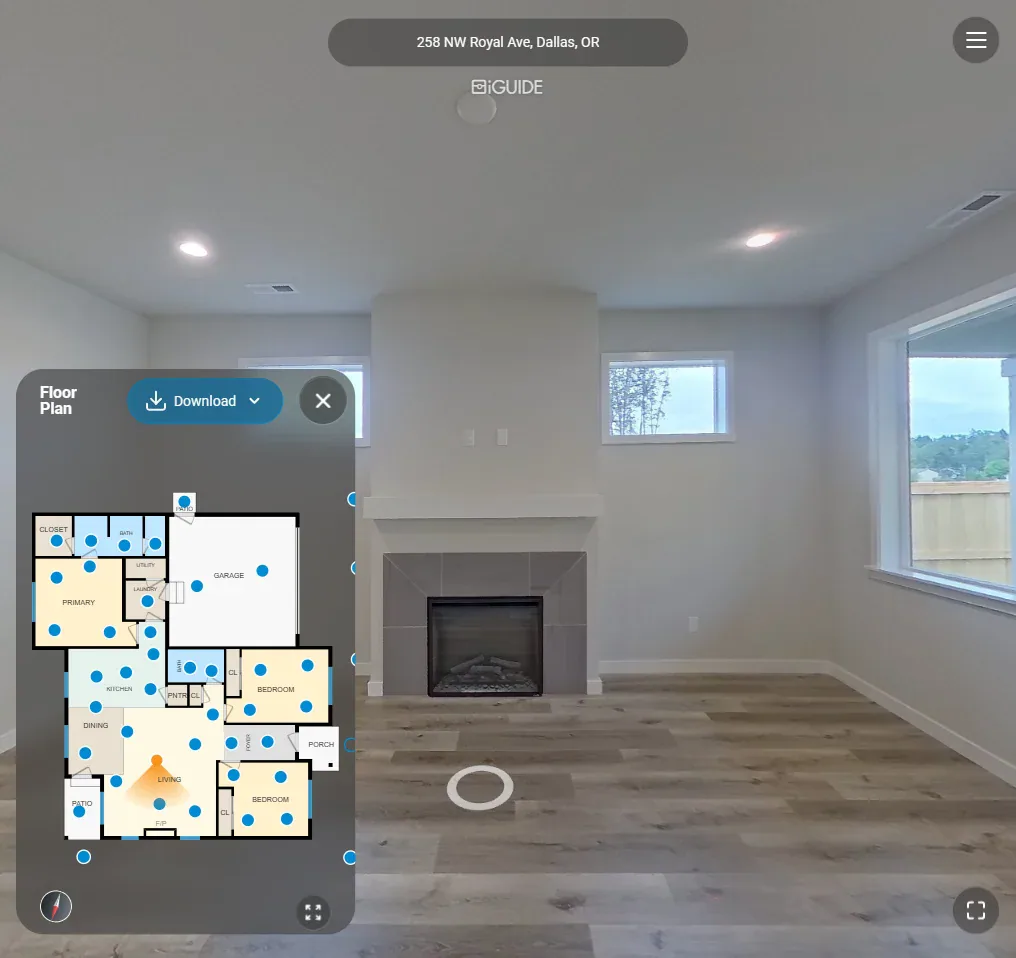
Screenshot of a virtual tour showing an empty living room with fireplace and windows, alongside a floor plan inset.

iGUIDE

Rooms and measurements together

Move through the home with a floor plan to keep you oriented. Compare Standard and Advanced coverage, or talk to us about Estate when you need a view of the wider property.

Standard · Advanced · Estate

258 NW Royal Ave · iGUIDE Standard tour. Look Around the Room
Explore iGUIDE
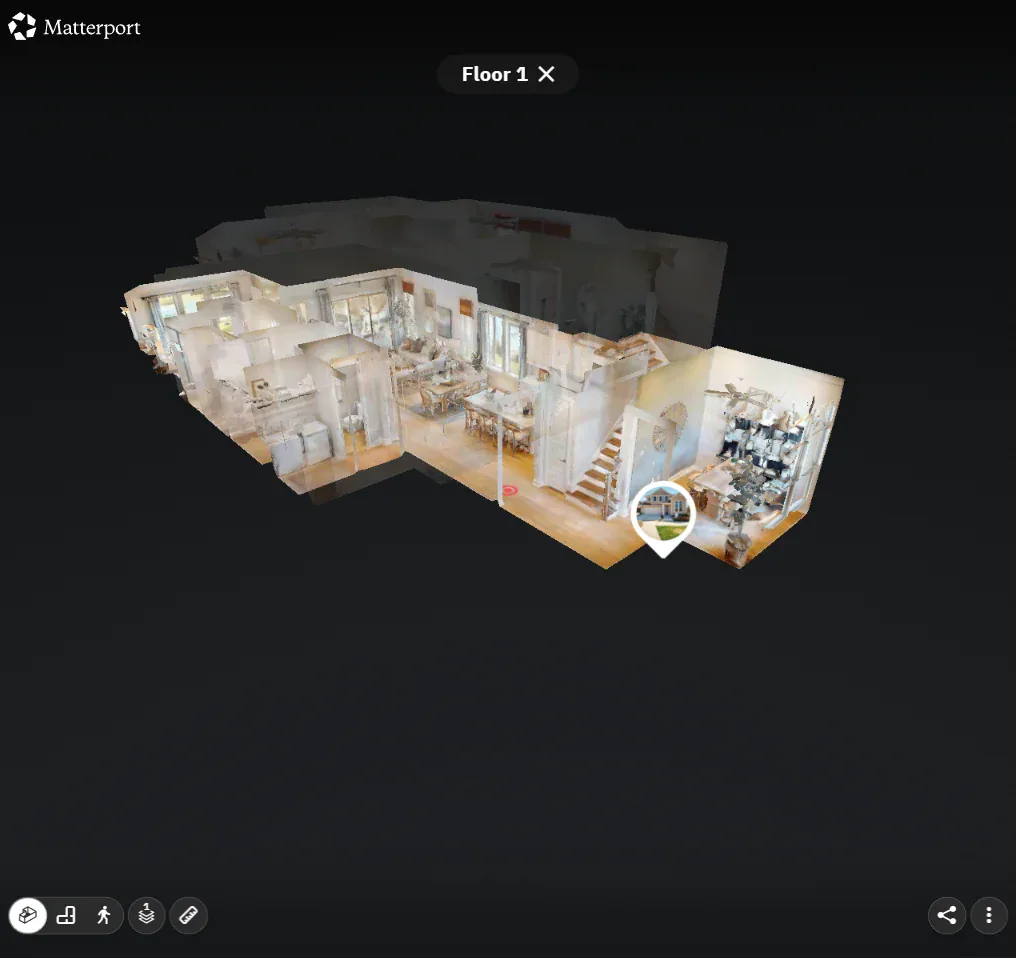
Screenshot of a Matterport viewer displaying a furnished three-dimensional floor model against a black background.

Matterport

A model of the home

The dollhouse view helps buyers see the home as a whole, then look around individual rooms. Choose it when that model helps explain how the spaces fit together.

Sage Model Home, shared by Tri Pointe Homes. A public residential Matterport example, not photographed by Realiant. See the Space Together

Explore Matterport
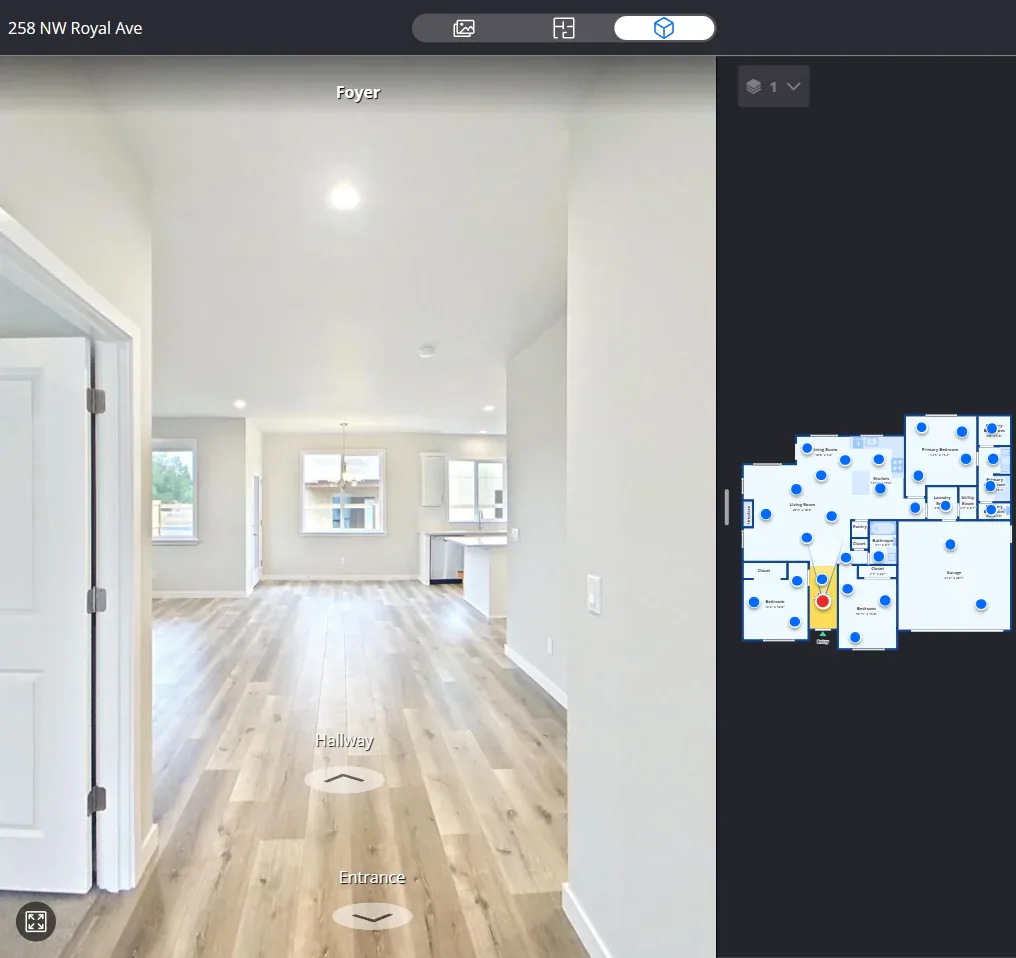
Screenshot of a Zillow virtual tour showing a bright hallway and an inset floor plan on a dark panel.

Zillow

A budget-conscious walkthrough

A walkthrough and basic floor plan offer another way to explore the rooms. Consider this option when Zillow is part of your listing plan.

258 NW Royal Ave · Zillow walkthrough. Walk Through the Home

Explore Zillow

Choosing the right view

Match the Tour to the Questions Buyers Ask.

Think about the layout, the detail buyers need and where you will share the listing. All three options offer room exploration and a floor plan, with different viewing experiences.

Select a column or feature to highlight it. Select again or press Escape to clear. Scroll sideways on smaller screens.

Compare iGUIDE, Matterport and Zillow tours
Feature
Walkthrough with a connected floor planWalkthrough and dollhouse viewWalkthrough with a basic floor plan
Measured plans and room dimensions; detail varies by tierFloor plan supplied with the tourBasic floor plan supplied with the tour
Room exploration and detailed measurements togetherExplore a model of the home and look around its roomsA budget-conscious walkthrough, especially for Zillow listings

Current prices are shown in booking. You can download your tour and plan files and keep them; the online tour is typically hosted for a year.

Watch Realiant’s tour and floor-plan comparison.

Connected layout

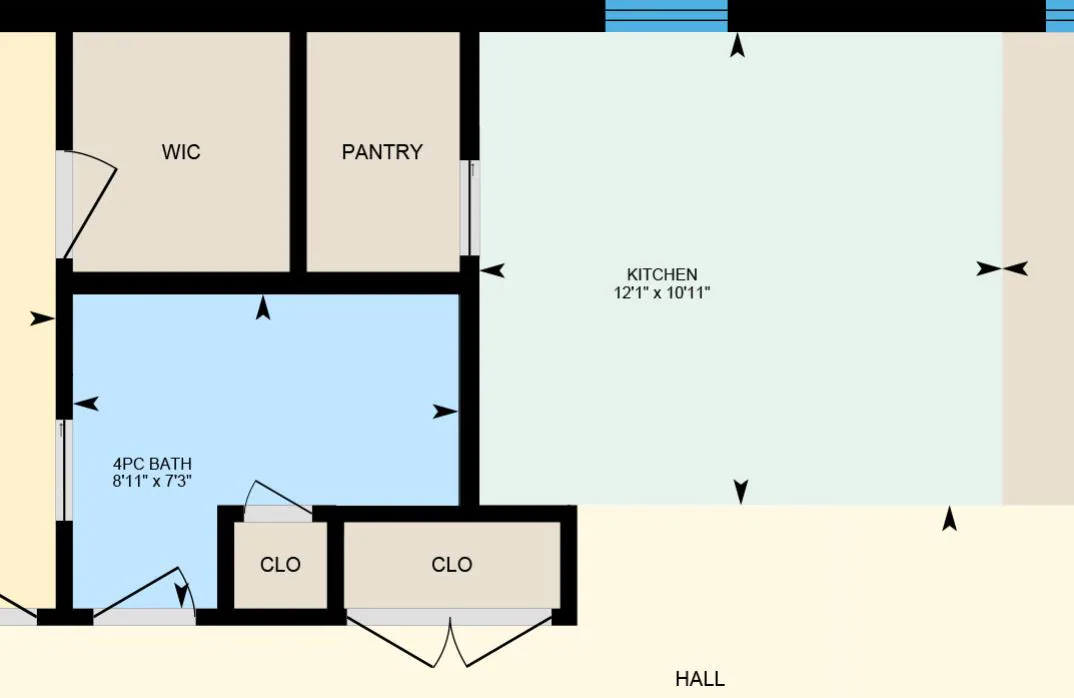
Floor Plans Included with the Tour

The tour’s plan helps buyers connect the rooms they explore. See iGUIDE plan examples and how its tier choice changes the detail.

If you need a layout drawing without a walkthrough, start with the CubiCasa plan included in the Plus photography package. Floorplan Plus adds furniture, details and room colors, delivered as JPEG images with dimensions. When you want to walk through the home, choose iGUIDE, Matterport or Zillow. Custom 3D Floor Plans use any floor plan to render walls and furniture.

Explore CubiCasa floor plans · Explore Custom 3D Floor Plans · Compare photography packages

Floor plan graphic with colored areas labeled kitchen, bathroom, pantry, closets and hall.
A Plan for the Space

Plan where the tour goes

Your Tour, Ready to Share.

Tell us where you’ll share the tour and which files you need. We’ll check the links, branding and MLS requirements for the service you choose.

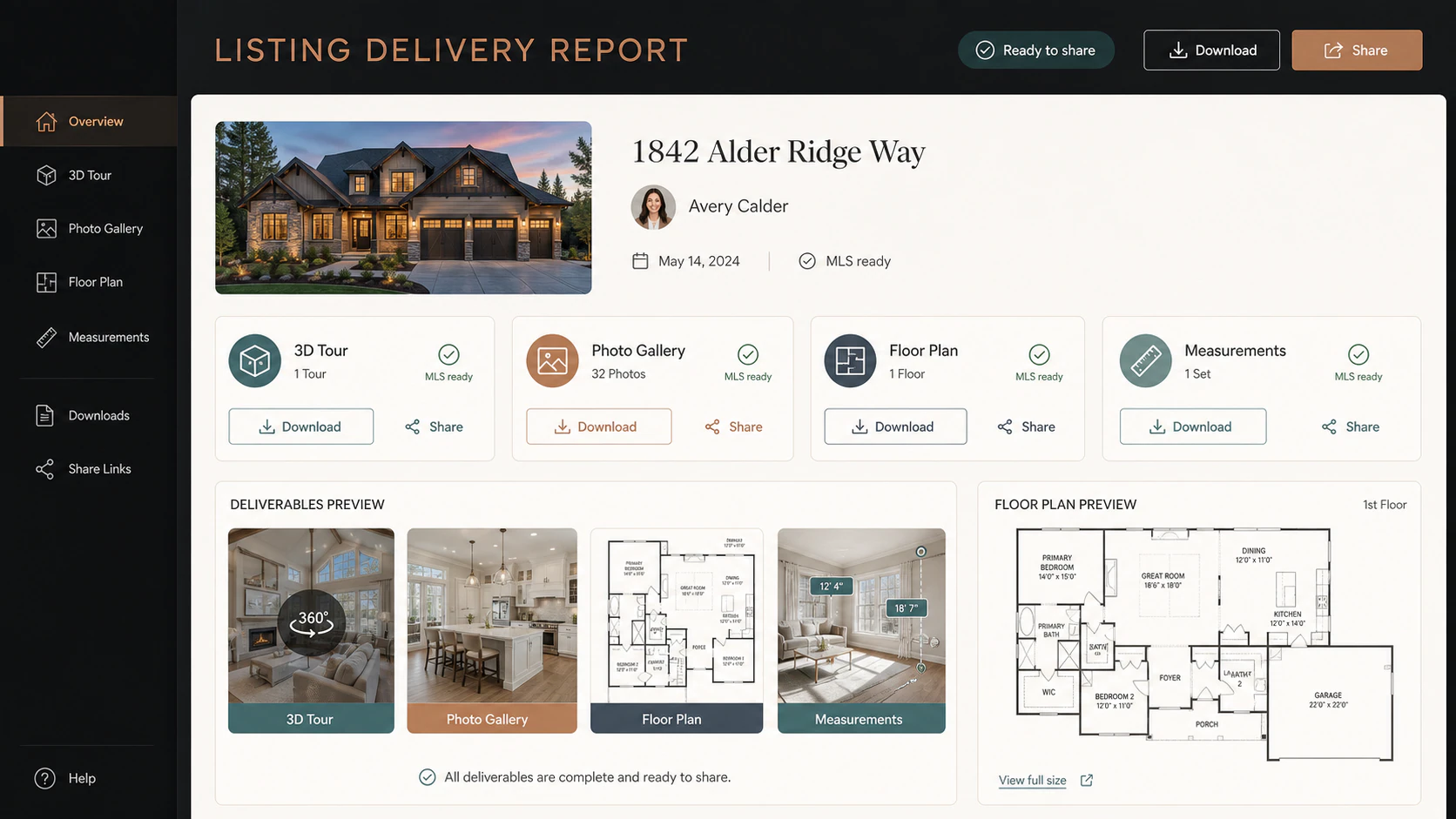
Listing delivery report interface with a property photo, media categories, preview thumbnails, floor plans, and sharing controls.

Share the Tour

Every tour comes with its own floor-plan files. Tell us where you plan to share the tour, and we’ll help you choose the service that fits.

Illustrative delivery report. Everything in One Place

Explore iGUIDE Sharing Options
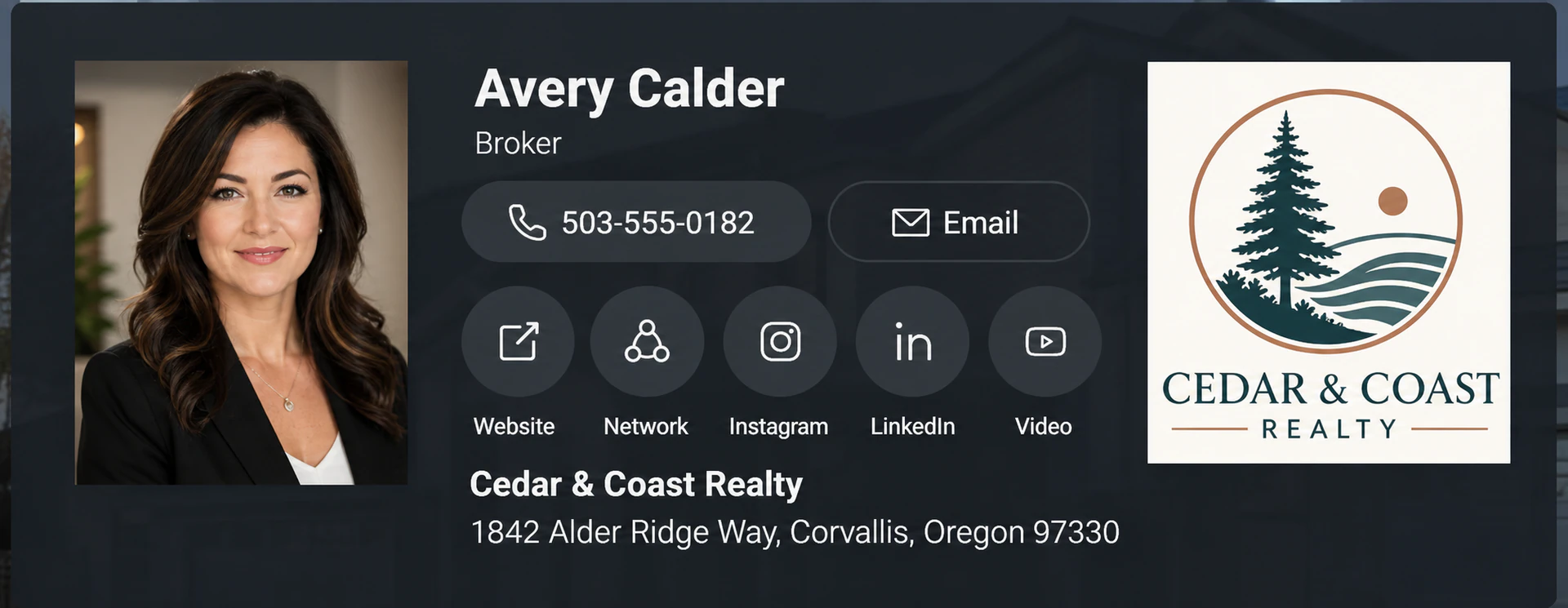
Dark branded profile panel showing a woman's portrait, the name Avery Calder, contact and social buttons, and Cedar & Coast Realty logo.

Connect Your Name to the Listing

Agent branding helps interested buyers know who to contact. Review the illustrative iGUIDE profile and discuss the options for your order.

Illustration of agent branding on a tour. Put Your Brand Forward

See iGUIDE Branding Options
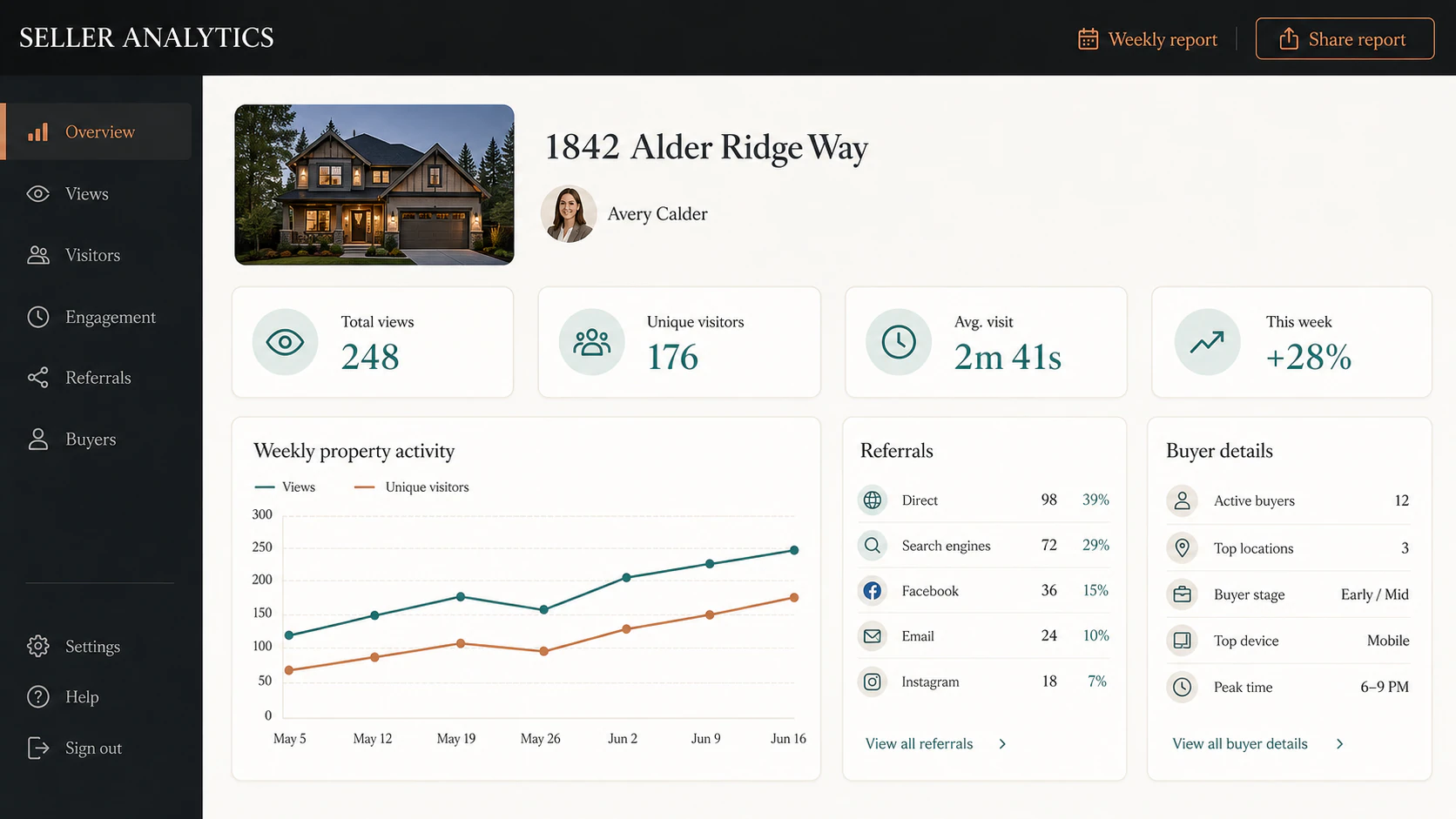
Seller analytics interface with a property thumbnail, summary metrics, activity line chart, referral list, and buyer details.

Use the Finished Tour

The iGUIDE page shows delivery, analytics and buyer-detail examples.

Illustrative analytics report. Available metrics depend on the selected service. See the Activity Clearly

View iGUIDE Report Examples

Plan the complete listing

Bring the Tour and Your Other Media Together.

Coordinate photography, video, drone coverage and the tour through one team. Review the current options in residential booking, or call us to talk through what fits your property.

Review Packages and Tours Available on the full site.Call or Text (541) 829-5500 Available on the full site.
Plan your delivery date