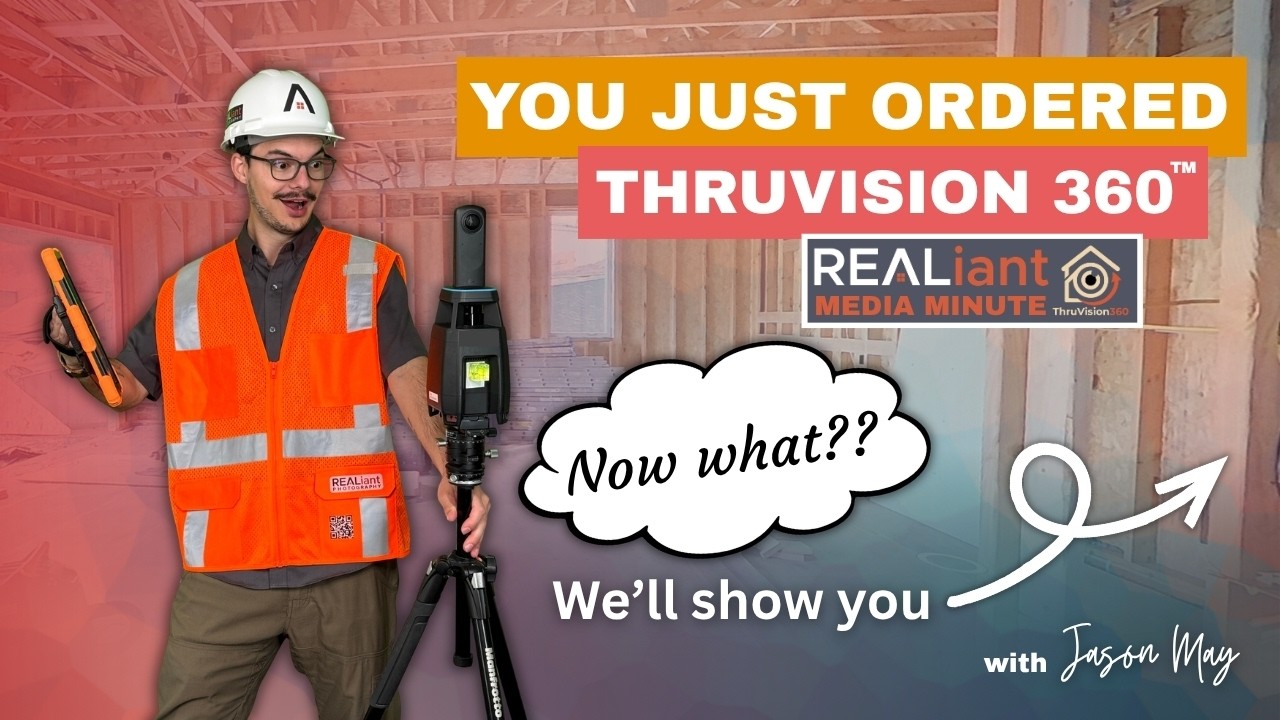
Media Minute
How to Order ThruVision 360
Jason May walks through ordering ThruVision 360 for a new construction project.

Why it matters
How to Order ThruVision 360
Jason May walks through ordering ThruVision 360 for a new construction project.
This Realiant Media Minute gives agents, property owners, or building
professionals a concise explanation they can use when planning media or
working with Realiant Photography.
ThruVision 360 must be captured at the correct construction stage. A clear order and schedule help the team arrive after utilities are installed but before the walls are closed.
The goal is to make the product, process, and practical value easier to
understand before the next project.
Watch or read
Watch the episode
Watch the 3:44 episode for the complete explanation and examples.
Prefer to read? Open the complete read-along below the video.
Read along with the video
Hi there, Jason May, Operations Manager here at Realiant Photography. So you’ve learned a little bit about ThruVision 360, and you’d like to order this product for yourself. Let’s get started. Up here in the top right of our website, you’ll see our bright orange Book Now button.
We’re going to click there, head to our landing page, and go to the big blue button on ThruVision 360. This takes you to our shopping cart. Let’s just put in one, two, three, and let’s put in 1800 square feet. Now, the square footage number for ThruVision 360 is not the size of the house in terms of finished living area, like most people are used to.
This is the total square footage that you are going to want scanned with our product. So unfinished basements, garages, anywhere that you have utilities that are being built that you would like shown off, that needs to be factored into this square footage here.
So I’d expect it’ll be at least 500 to 1000 feet higher than whatever the finished living area of your house is depending on the size of the house. If you ever have any questions, feel free to reach out to us either via email or call, and we would be more than happy to help you out. So down here, we have our product. Again, it is priced by the square footage.
So we can adjust that price at the end if our actual scan square footage amount comes out differently than what was put in. We just want you guys to know what you’re going to be paying up front as best as we can. So we’re going to select our product. We also offer online hosting.
With our main product, you get a file download that is yours to keep forever, just like anything you would download online, that includes your tour. But if you would like access to it on your phone, on the go, anywhere you can type in a link, we can host it for you on our website. It’s a really cool option and I’d highly recommend it.
So coming further down in our cart, we have your photographer selection. The travel fees are based on where you are and where our photographers are. So there’s going to be plenty of options for someone to come and do this service for you. That’s nice and close to you.
Further down here, we have our calendar. Looks like it’ll take about 50 minutes for this particular square footage. And Thursday, April 9th at 11 is an option. I like that.
Let’s roll with it. So we’re going to come down here and there’s a few questions that it asks just so we know exactly what’s going on. Again, the first question here is I affirm the entered square footage represents all areas being scanned, not just the finished living area. As we discussed already, you’re not putting in the square footage of the house.
It’s the full square footage that is being scanned. You’re just going to say, yep, you’re going to pick your weather scheduling option. You’re going to choose your answers to these questions here. Then you’re going to continue on down.
Here we have our option for payment. We use an invoice method where you pay after the services are completed and delivered. So you don’t have to pay up front. It’s a really convenient option.
You’re going to agree to our terms and conditions. You’re going to place your order. All right. So your order has been placed.
We’re now in your email. And you have your appointment confirmation, which just came up right there. There you go. Comes up as a nice appointment confirmation on Thursday, April 9th shows the location.
It shows your photographer and everything. You can add it to your calendar. You can reschedule. These are all things we will be covering in the next video.
Also over here, you have your invoice where you can see all the details for your shoot. So we provide you with plenty of information. And it also says, of course, here the payment is not due until the work has been delivered. As always, you have any questions, don’t hesitate to reach out to us and make sure to go and check out all of our other videos.
I’m Jason May with Realiant Photography. Thank you so much. We’ll see you in the next one.
Key takeaways
What to know
- Order early enough to coordinate the construction schedule.
- Provide complete project and contact details.
- Confirm the required capture stage with Realiant.
For your next listing
Put the idea to work
- Identify the expected pre-drywall date.
- Submit the project through the current order process.
- Notify Realiant if the construction schedule changes.
Confirm current products, package contents, pricing, and scheduling details
when placing an order.
Keep watching
More short ideas for Realtors
Realiant Media Minute answers common questions and explains Realiant’s
products and processes. Visit the playlist for more episodes, or start an
order when you are ready to plan media for a listing or project.
Episode source: Realiant Media Minute, April 15, 2026. Confirm current pricing, packages, scheduling, delivery timing, hosting, products, and deliverables when ordering.
Keep learning
Related Media Minutes