Show the spaces and details
Basic
Example price $285
- Rental photography
- Rooms, furnishings, decor and amenities

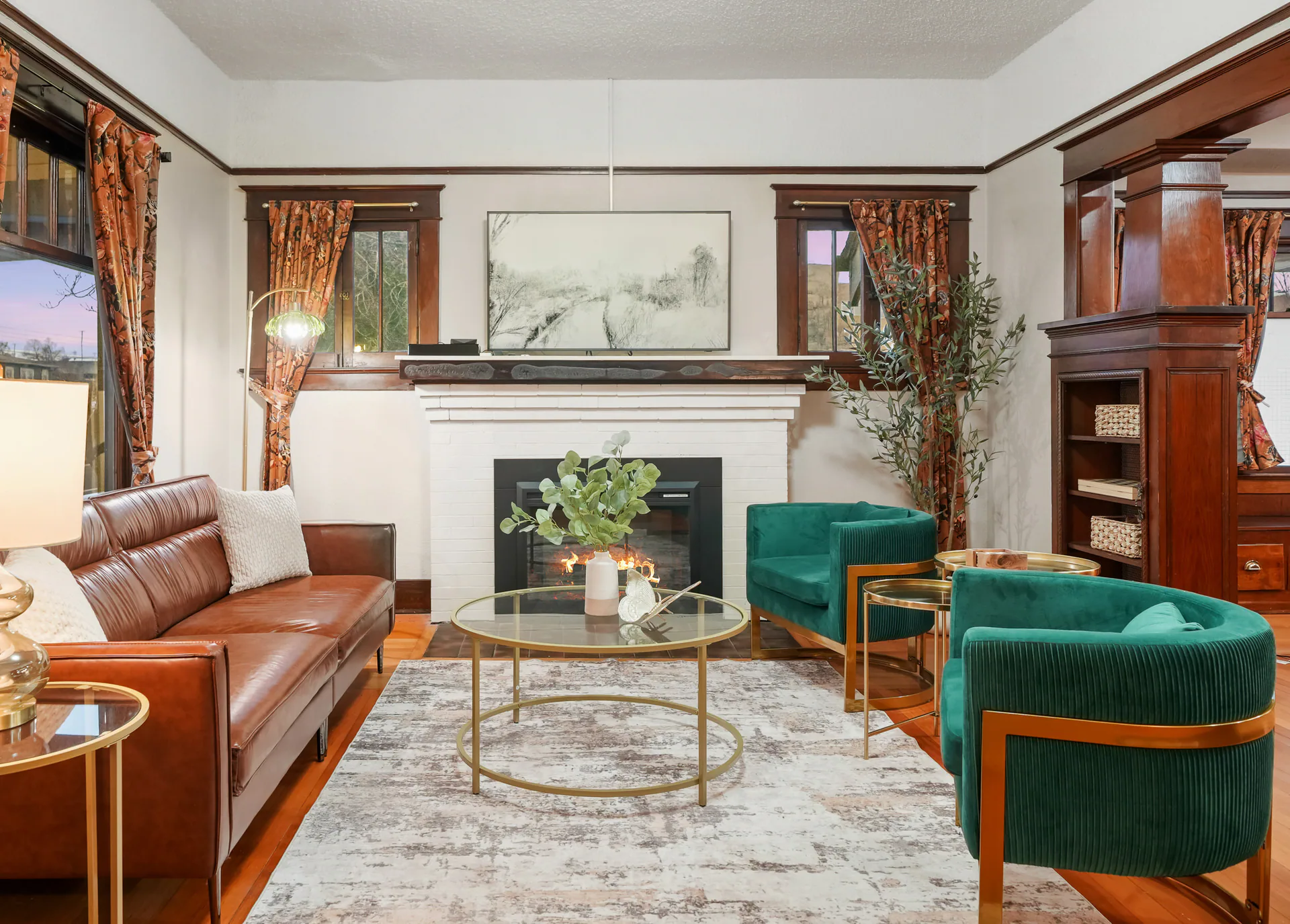
Vacation rental photography
Show the rooms, the amenities and the details that make time here feel inviting. We’ll help you choose photography and media that fit your rental and the way you present it to guests.
Rooms, amenities and details
Guests want to see where they will gather, sleep and spend time outside. Begin with clear room and exterior photographs, then bring the furnishings, decor and amenities into view.
Tell us what makes staying at your rental special. We’ll give those details attention alongside the rooms, so guests can understand what to expect.
Rental packages
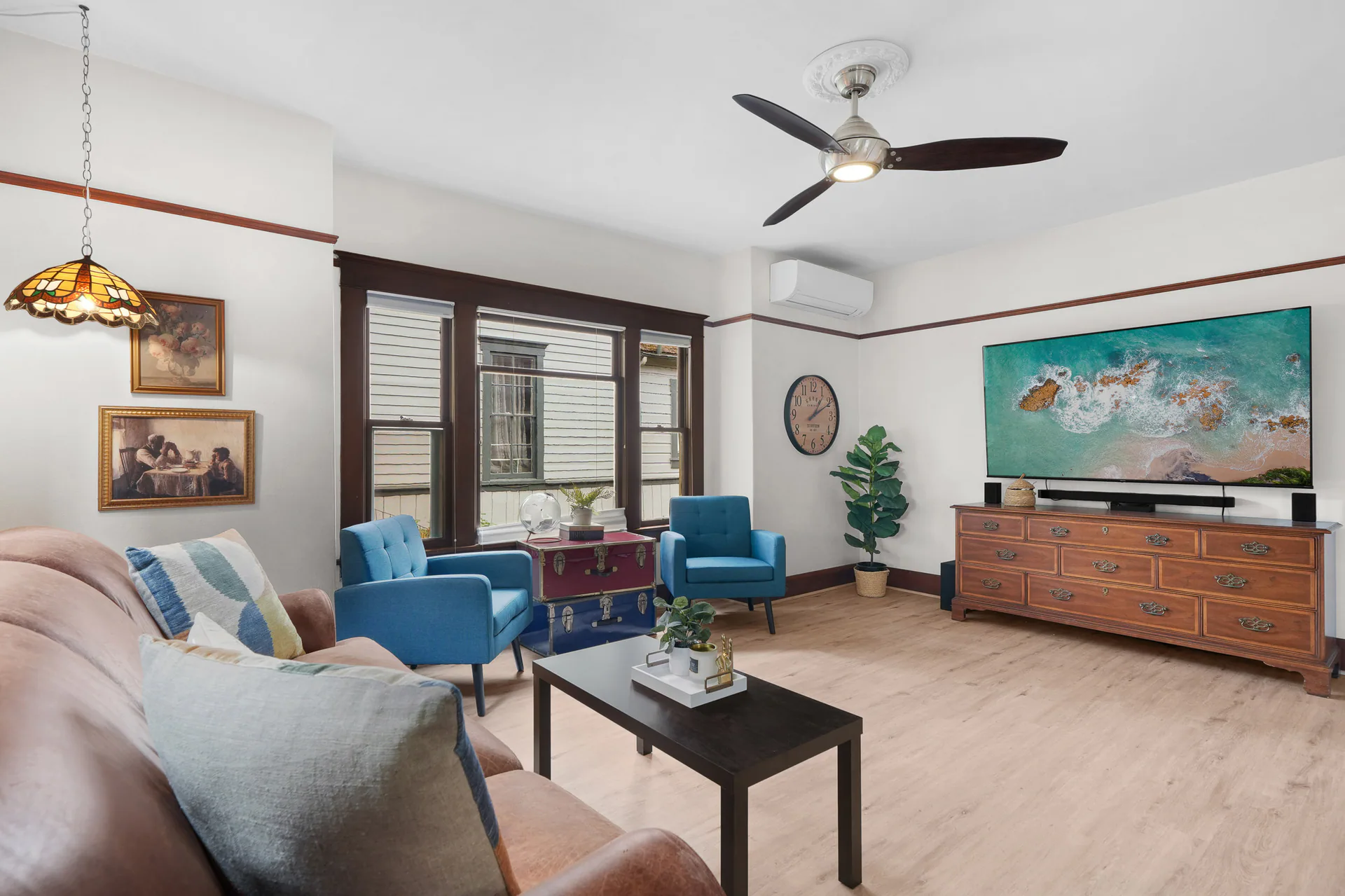
Basic provides rental photography. Plus adds a CubiCasa floor plan, Premium adds drone photography, and Elite adds video. Choose the additions that help explain this property and fit your budget.
Package examples for rentals up to 2,500 square feet. Amounts are in USD. Travel, selected extras and any applicable taxes affect the final total. The rental form shows the current price and full total.
Enter the property address and size, then choose your package in booking.
Show the spaces and details
Example price $285
Add the room connections
Example price $319
Add the wider setting
Example price $399
Connect the stay in motion
Example price $629
Packages also have size bands for 2,501–3,000, 3,001–4,000, 4,001–5,000 and 5,001–6,000 square feet. Use the rental form for the amount and photo allowance that apply to your property. Beyond 6,000 square feet, contact us for a custom time-and-materials quote.
Floorplan Plus, CubiCasa 3D and Custom 3D floor plans are available for rentals. The rental form shows the plans available for your property. Call if you'd like help choosing.
Questions about where and how you can use the media? Ask us before you book.
Ask About Your Rental Available on the full site.Explore each option
Aerial views can explain the setting. Video, included with Elite, connects the spaces in motion, a tour lets guests explore, and a floor plan shows how rooms connect. Explore each option before choosing it.
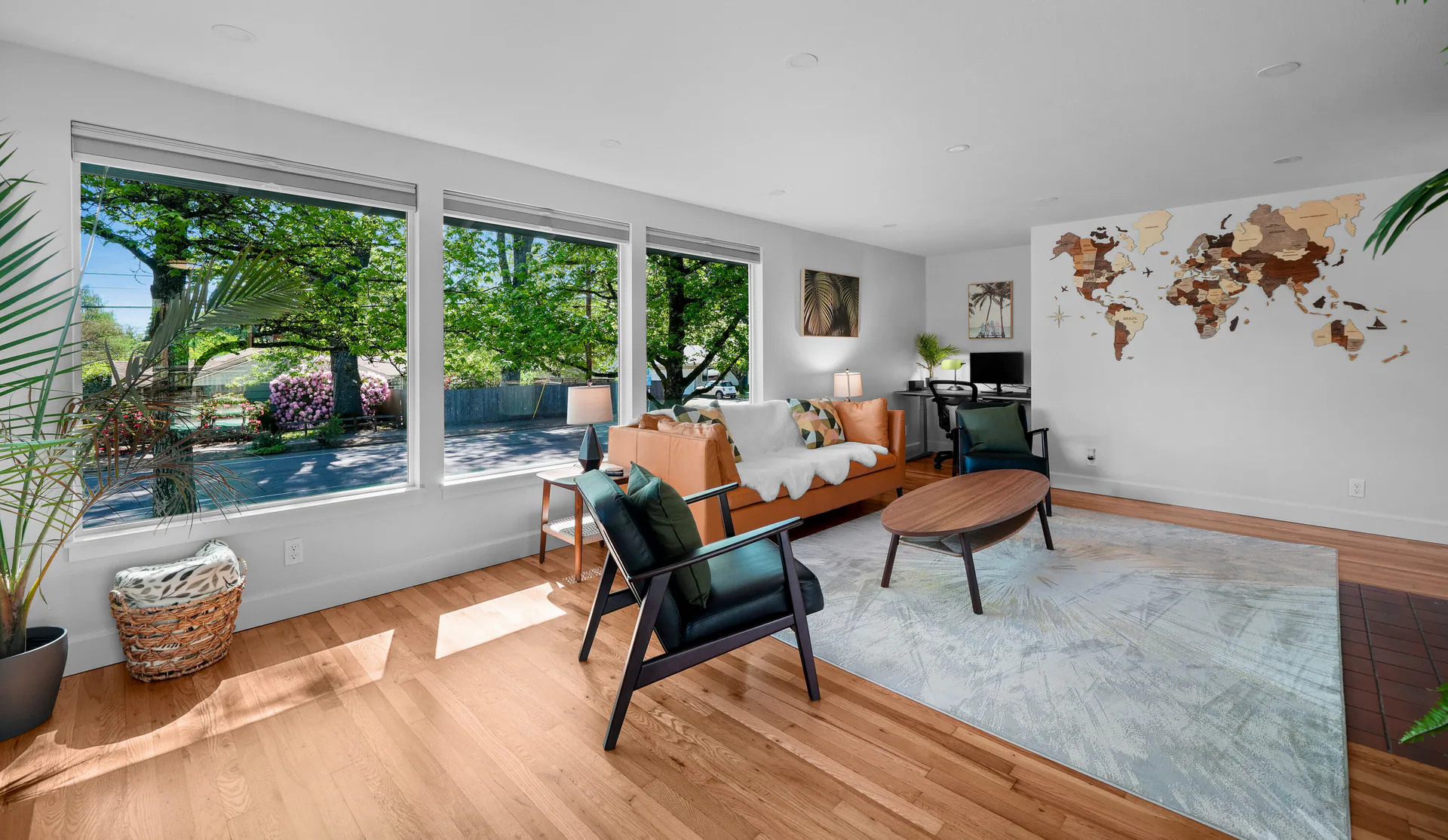
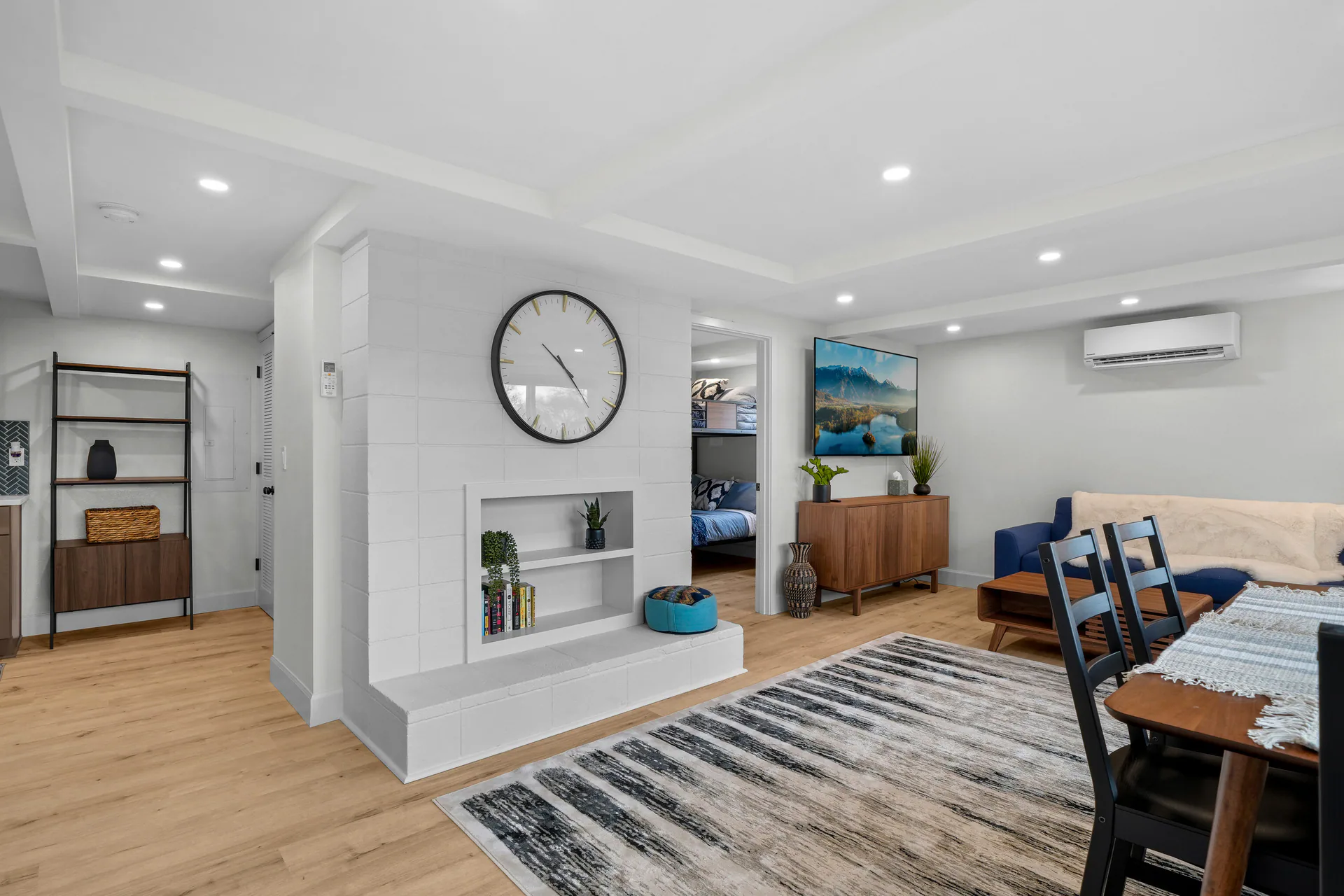
Show guests the rooms they will use, with attention to the furnishings, decor and amenities that shape the stay.
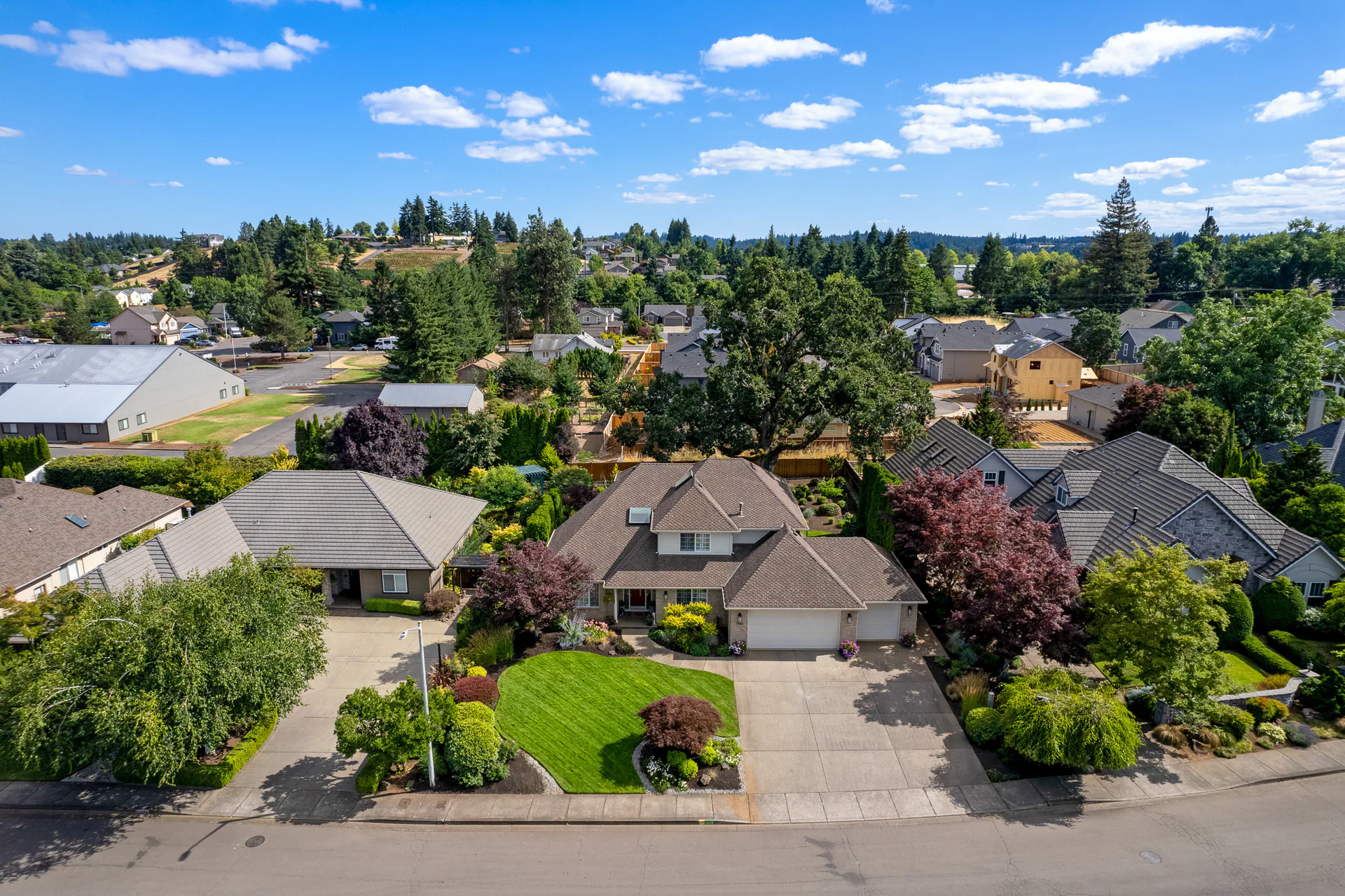
Give guests a wider look at the property and its surroundings when the setting is part of the experience.
Connect rooms, gathering spaces and outdoor areas in motion. Rental video comes with the Elite package; explore the formats before choosing.
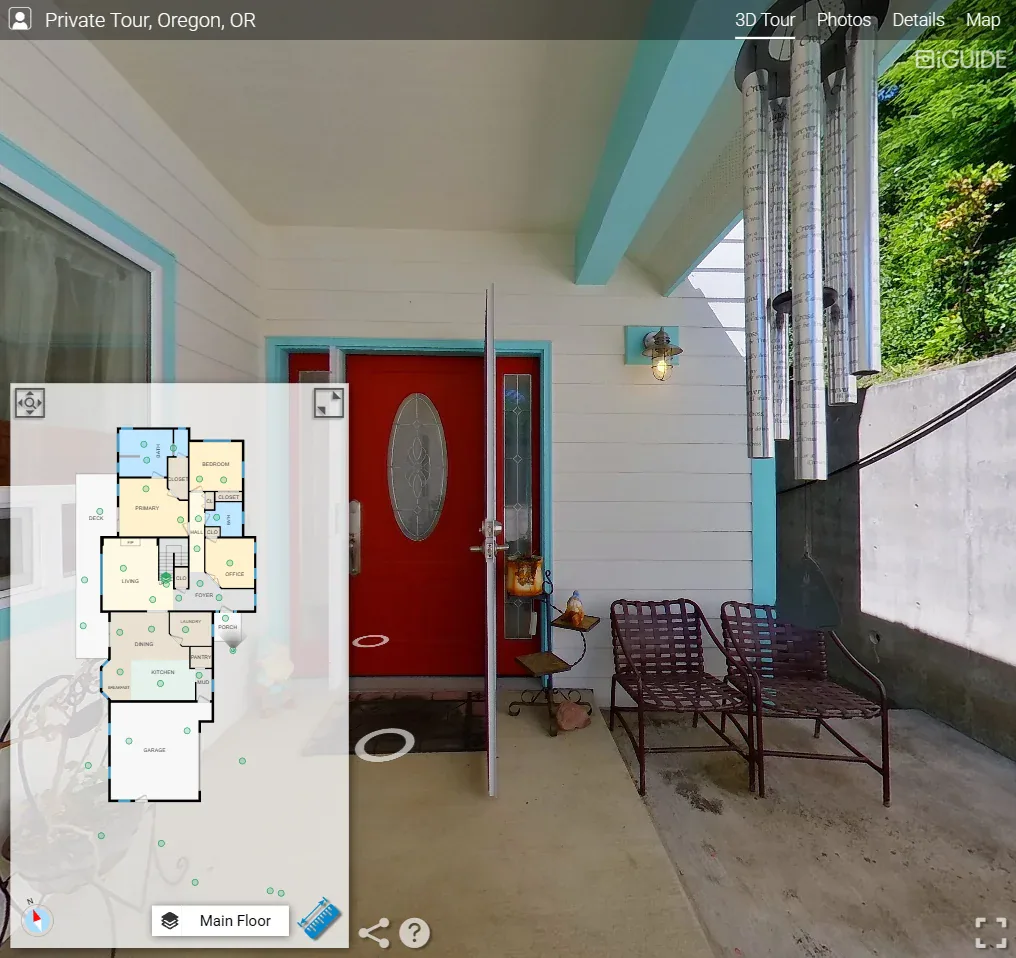
Let guests explore the spaces and see how they connect. Compare tour options and their included features.
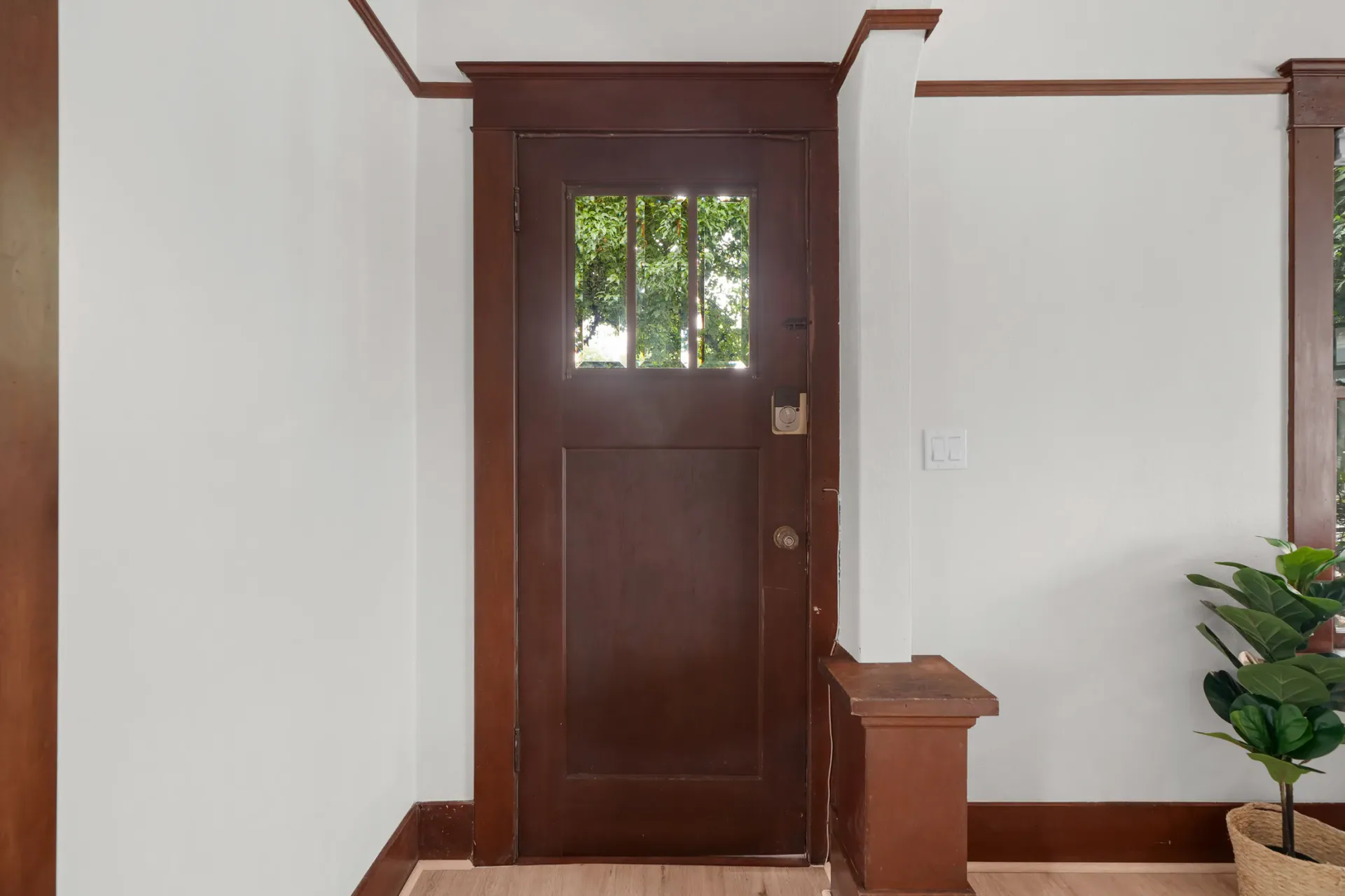
A residential iGUIDE example. Step Up to the Door
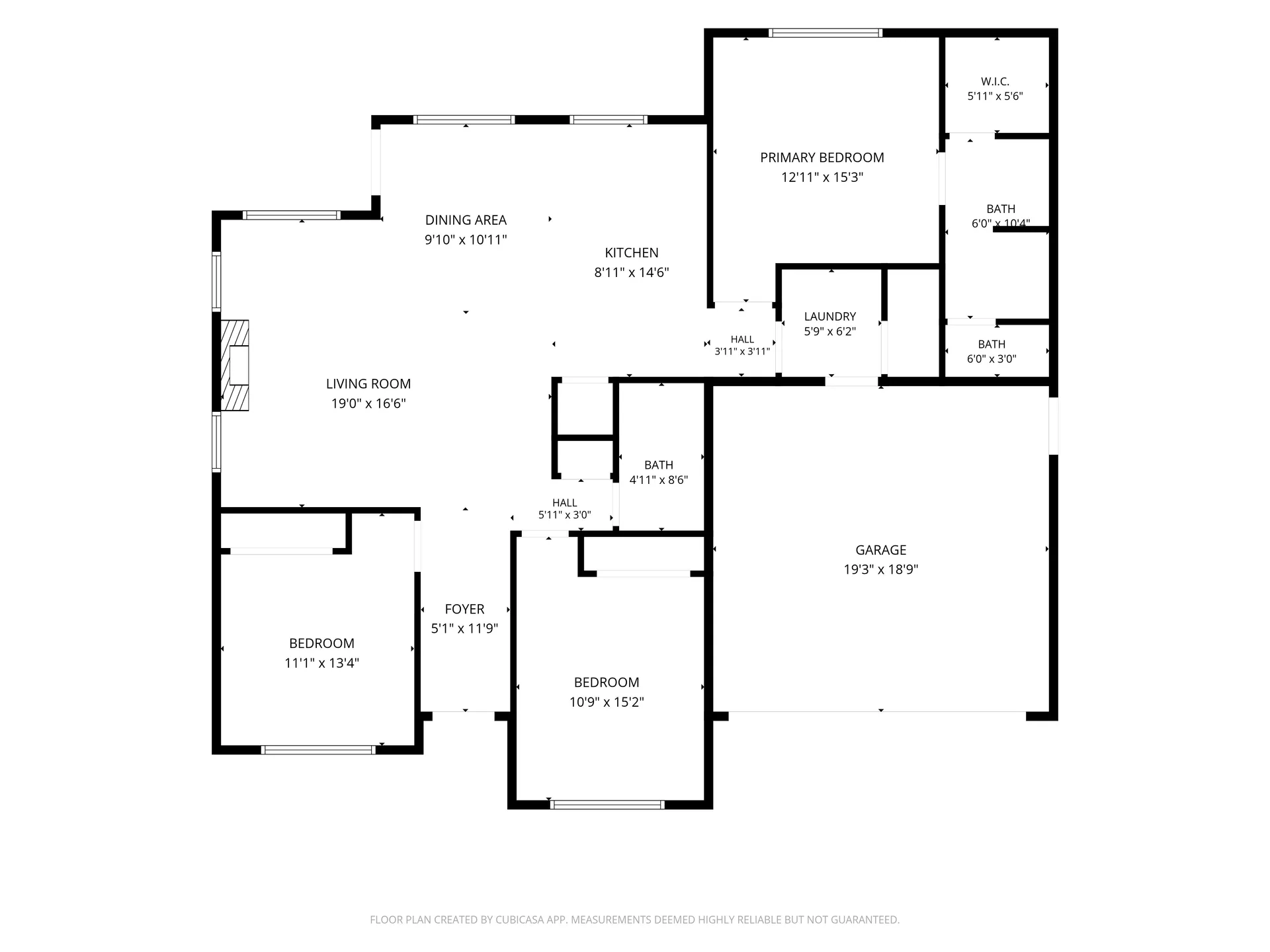
Help guests understand the room arrangement before they arrive, including how bedrooms and shared spaces connect.
258 NW Royal Ave · CubiCasa Basic floor plan. See the drawing for measurement notes. See the Whole Layout
Before the shoot
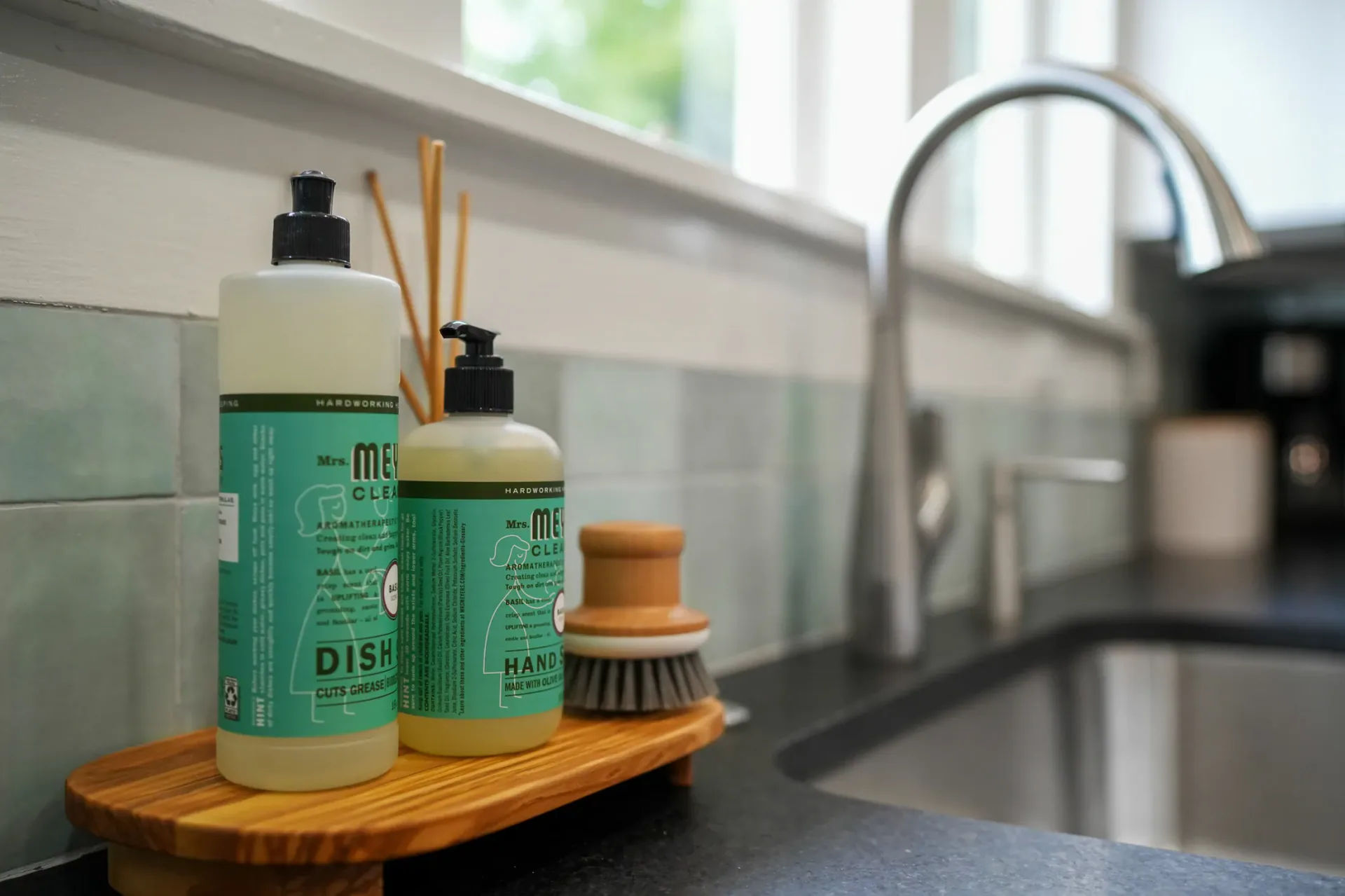
Have the rooms and amenities ready for the photographs. Tell us which furnishings, views and details are part of the guest experience so we can discuss where to give them attention.
Practical planning
Choose an appointment in the rental booking form. If you have a delivery deadline, discuss it with the team before placing your order.
Planning a rental launch? Photos, video, floor plans and tours may be ready at different times. Call before placing your order to confirm whether your complete set of media can be ready for the date you need.
Same-day delivery applies to photos only. Confirm availability and the current shoot cutoff with the team; selecting the option in the form does not confirm it is available for your shoot.
The rental form shows the applicable mileage fee when you choose the photographer. Review it alongside your selected media before placing the order.
Your next shoot
Ready to arrange the shoot? Book through the vacation-rental form. If you are unsure which media fits the property, tell us about the rooms, setting and guest amenities.