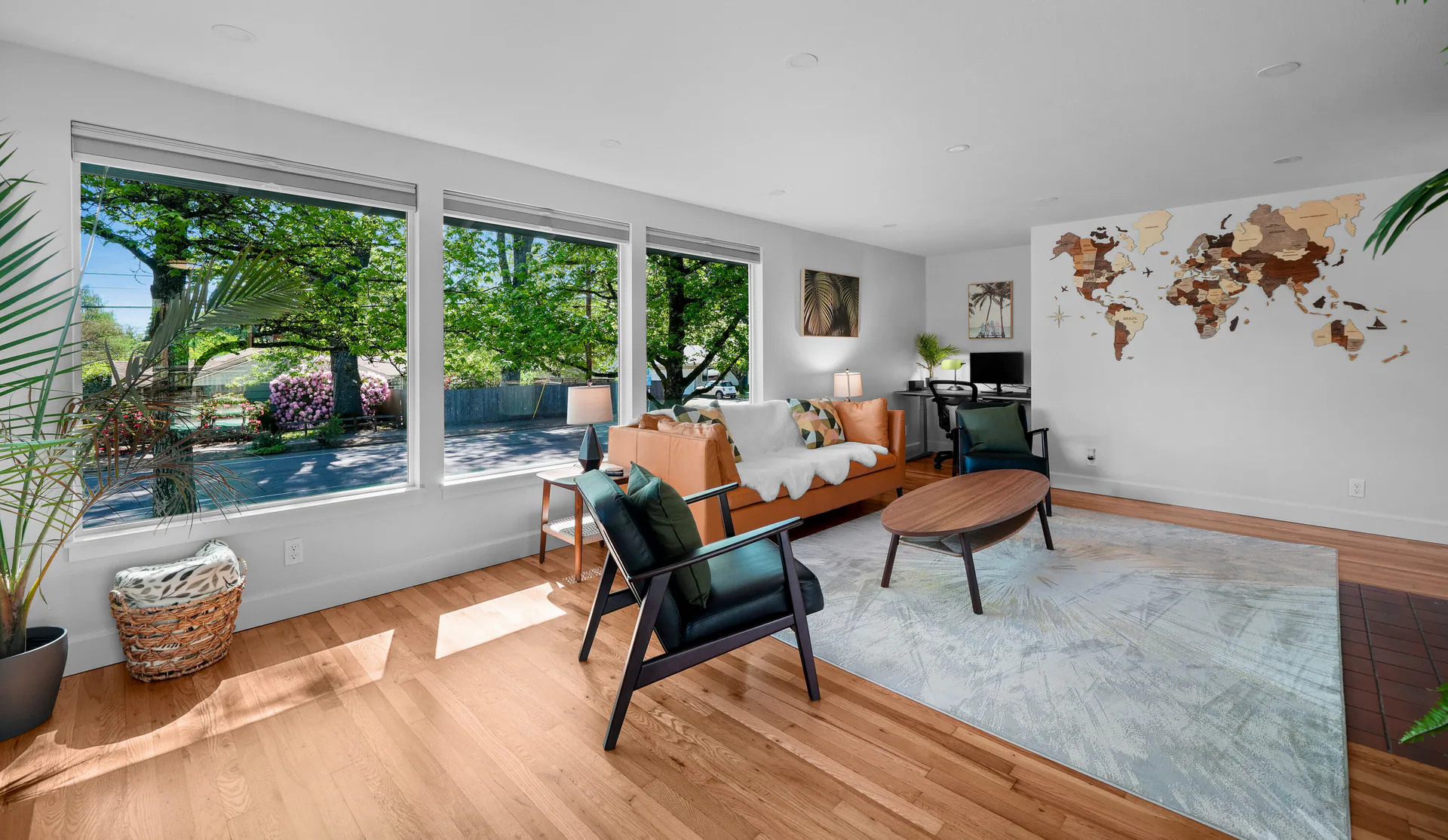
Rental Photographs
Show the rooms, furnishings and details in still images. Choose still views that help guests study the rooms and amenities.

Vacation Rental Social Reels
Introduce your rental in a short video made for vertical viewing. Choose the room, amenity or setting you want people to notice, then compare thirty- and sixty-second options.
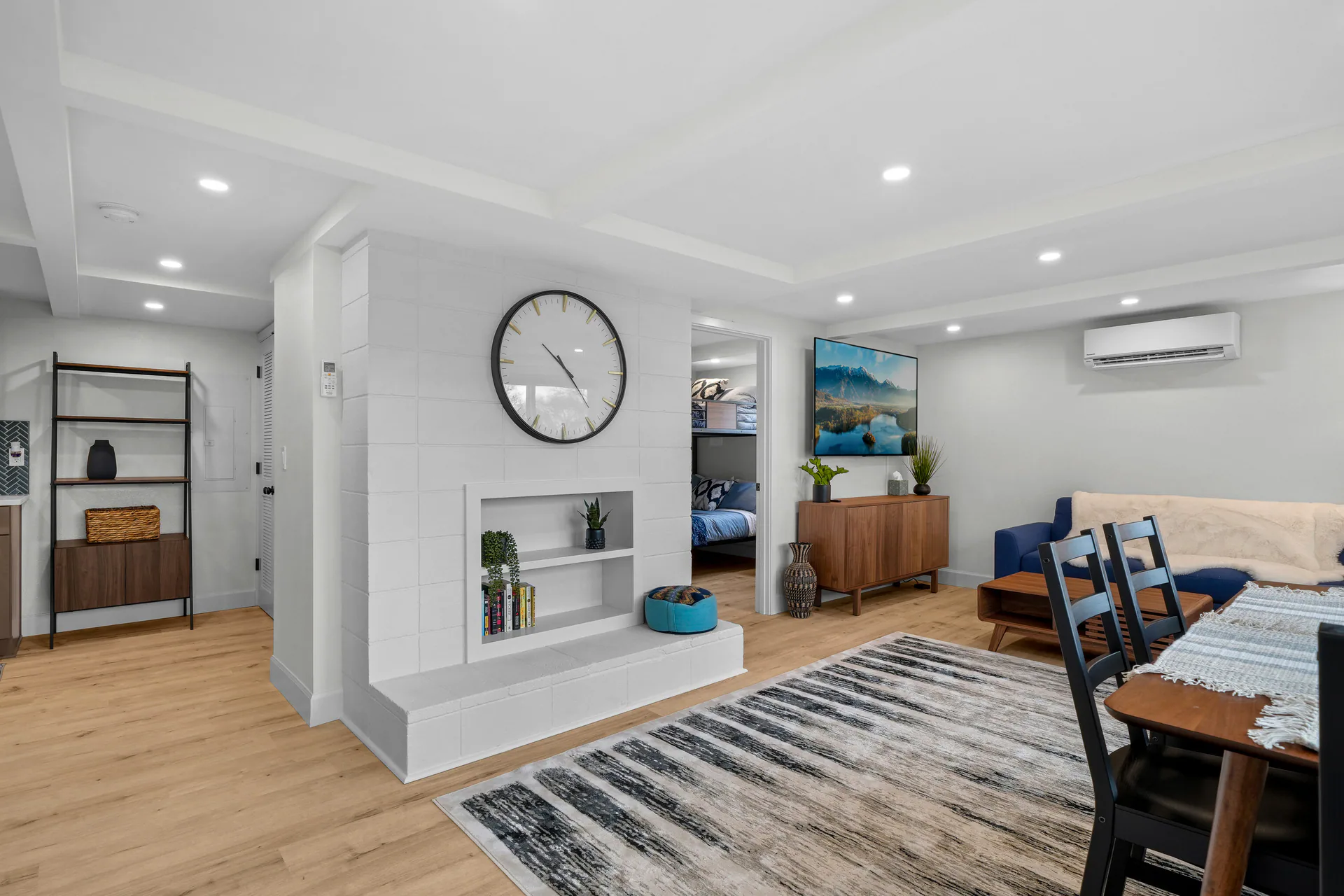
A glimpse of the stay
Start with something a guest would want to understand: a place to gather, a useful amenity or the setting around the rental. A short sequence can introduce that theme without trying to cover every room.
Tell us which features to lead with, where you’ll share the video and which areas will be ready to photograph.

Choose the time your story needs
Both choices use the same vertical format and production quality. Choose sixty seconds when your introduction needs more time.
Select a column or feature to highlight it. Select again or press Escape to clear. Scroll sideways on smaller screens.
| Consider | ||
|---|---|---|
| Short vertical video | The same general vertical format | |
| A focused introduction to the chosen theme | More time to develop the chosen theme |
Choose the duration around what matters to your rental. Your reel arrives as a vertical MP4 file. Questions about music, usage or delivery timing? Ask us before you book.
See the format before choosing
Want to see how rental rooms and amenities look in a finished vertical video? Ask us for an example before you choose.
Ask About a Rental Reel Example Available on the full site.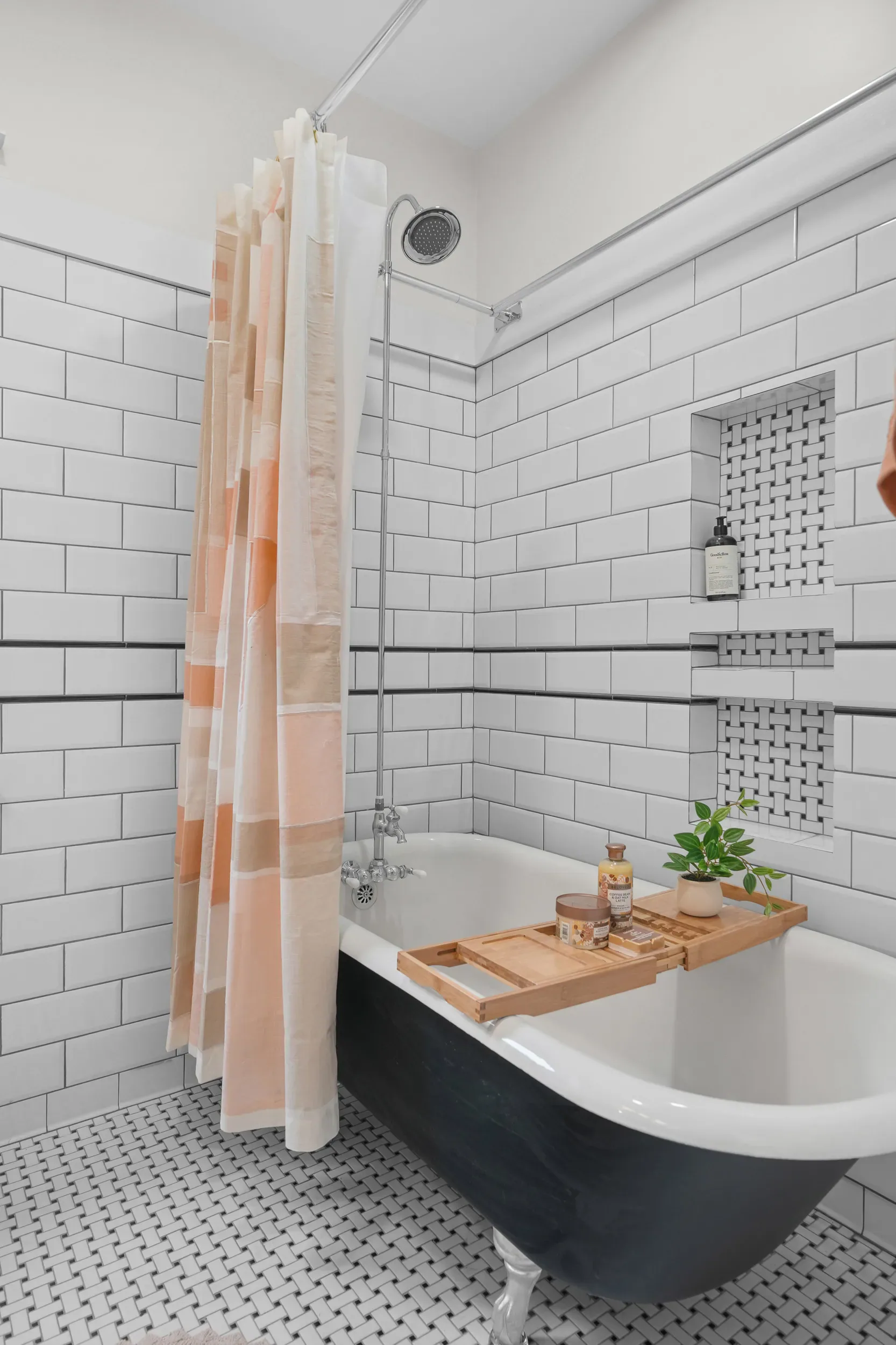
Alongside your other rental media
Photographs give guests views they can study. A property film can connect more spaces, while a reel provides a shorter vertical sequence. Choose the combination that helps explain your rental.
Show the rooms, furnishings and details in still images. Choose still views that help guests study the rooms and amenities.
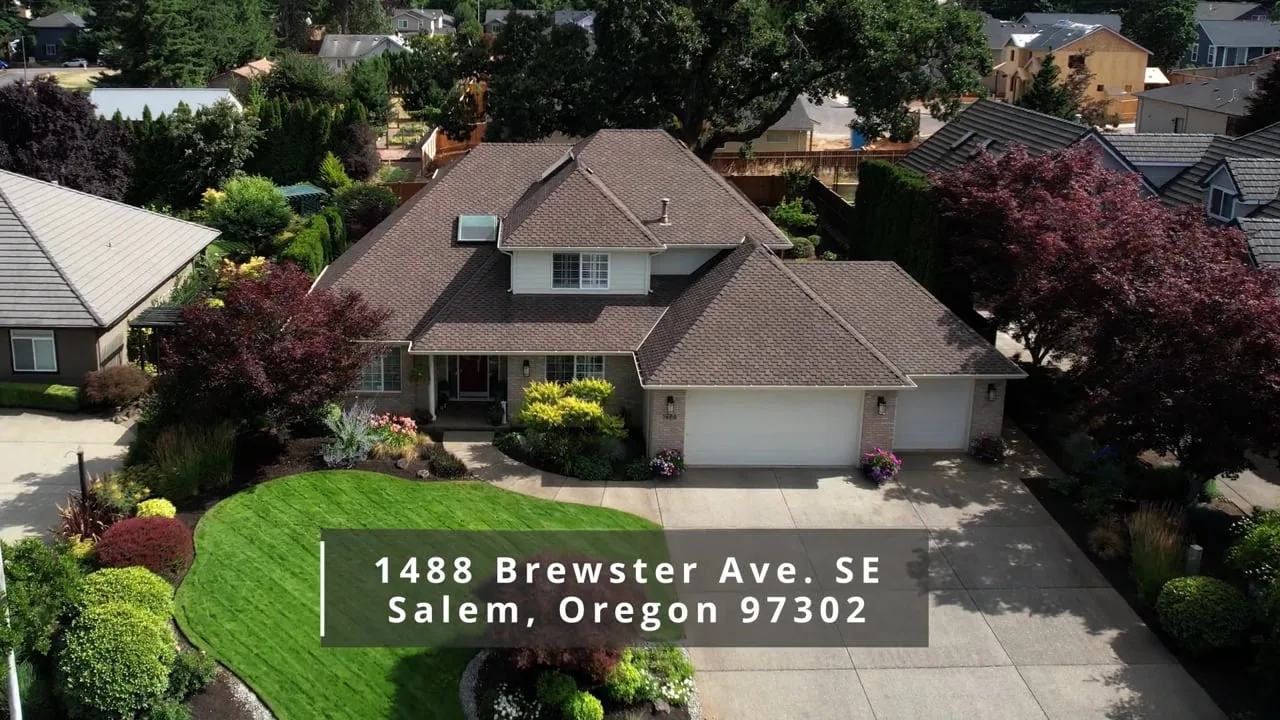
A property-led film brings views together with music. The dedicated page has a residential film example of 1488 Brewster Avenue SE, Salem.
Arrange posting or ongoing account management separately.
Plan your short introduction
Share the rental, the details you want to feature and where you intend to use the video. The rental form shows the thirty- and sixty-second choices and the current rental price.
Arrange access and prepare the areas you want shown. Rental reels are added to the Elite package, the rental package that includes video.