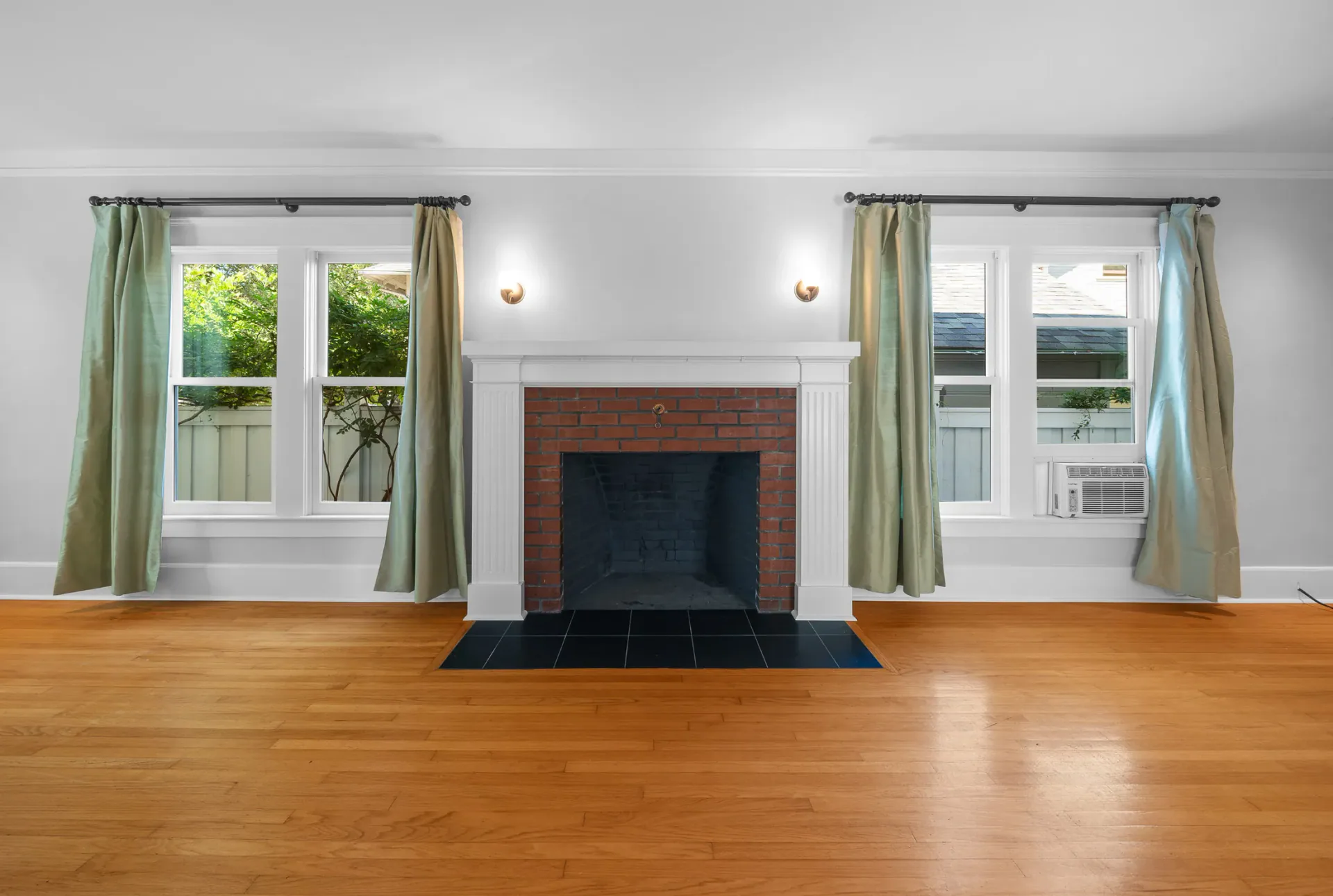
Residential visualization
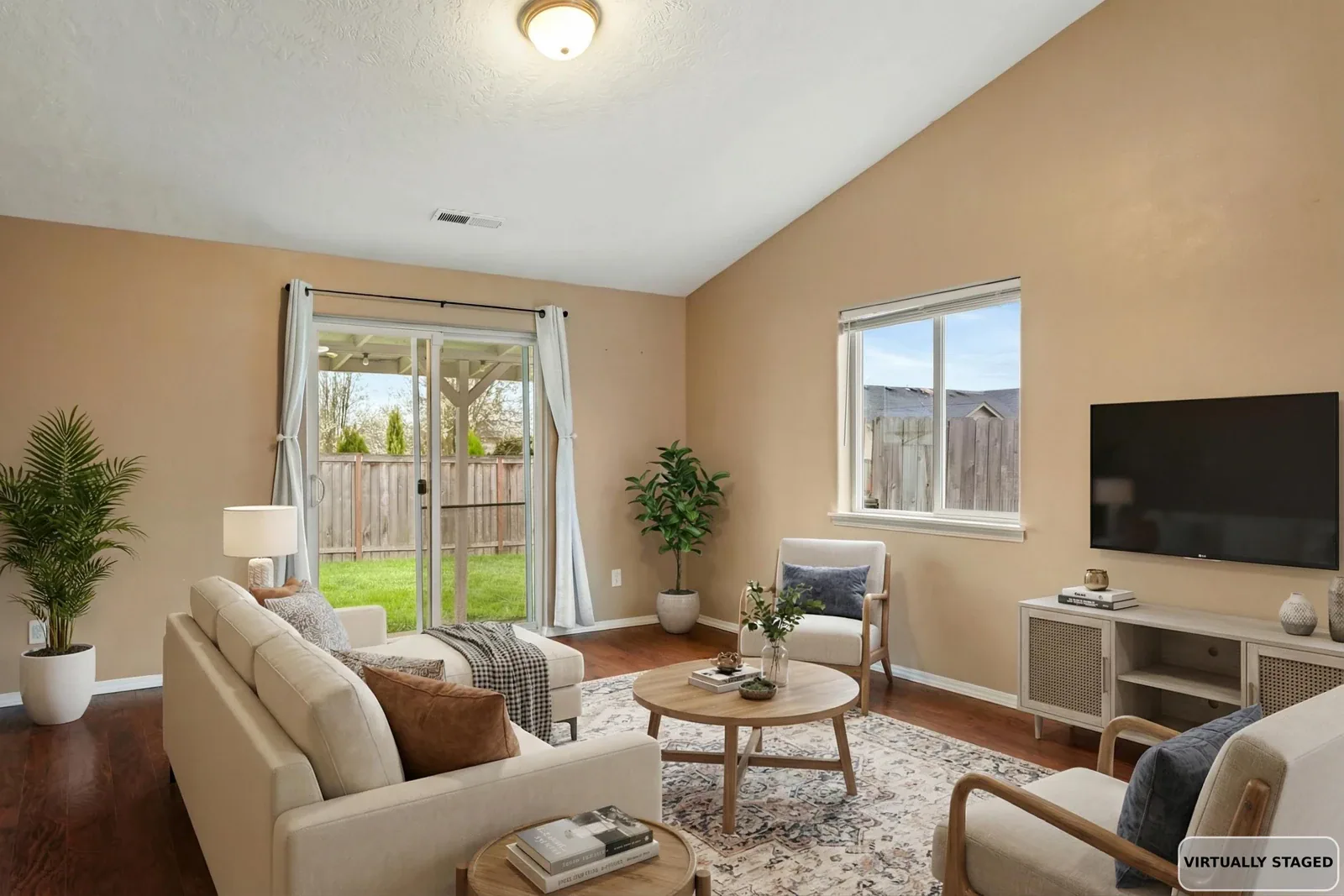
AI Virtual Staging
See booking options
- Ten digitally staged photographs
- A lower-cost way to picture furniture and room use
- Furnishings may differ between views

Virtual staging · Property photography
Help buyers imagine furniture and everyday life in an empty space. We can add digital furnishings to selected photographs, with AI and human-rendered Premier options to suit the views you want to share.
Before and after
Move from the empty photograph to the digitally furnished view. Compare how the seating and layout help explain the space, while keeping the original room in view.
Drag the slider or use the arrow keys to reveal the edited view.
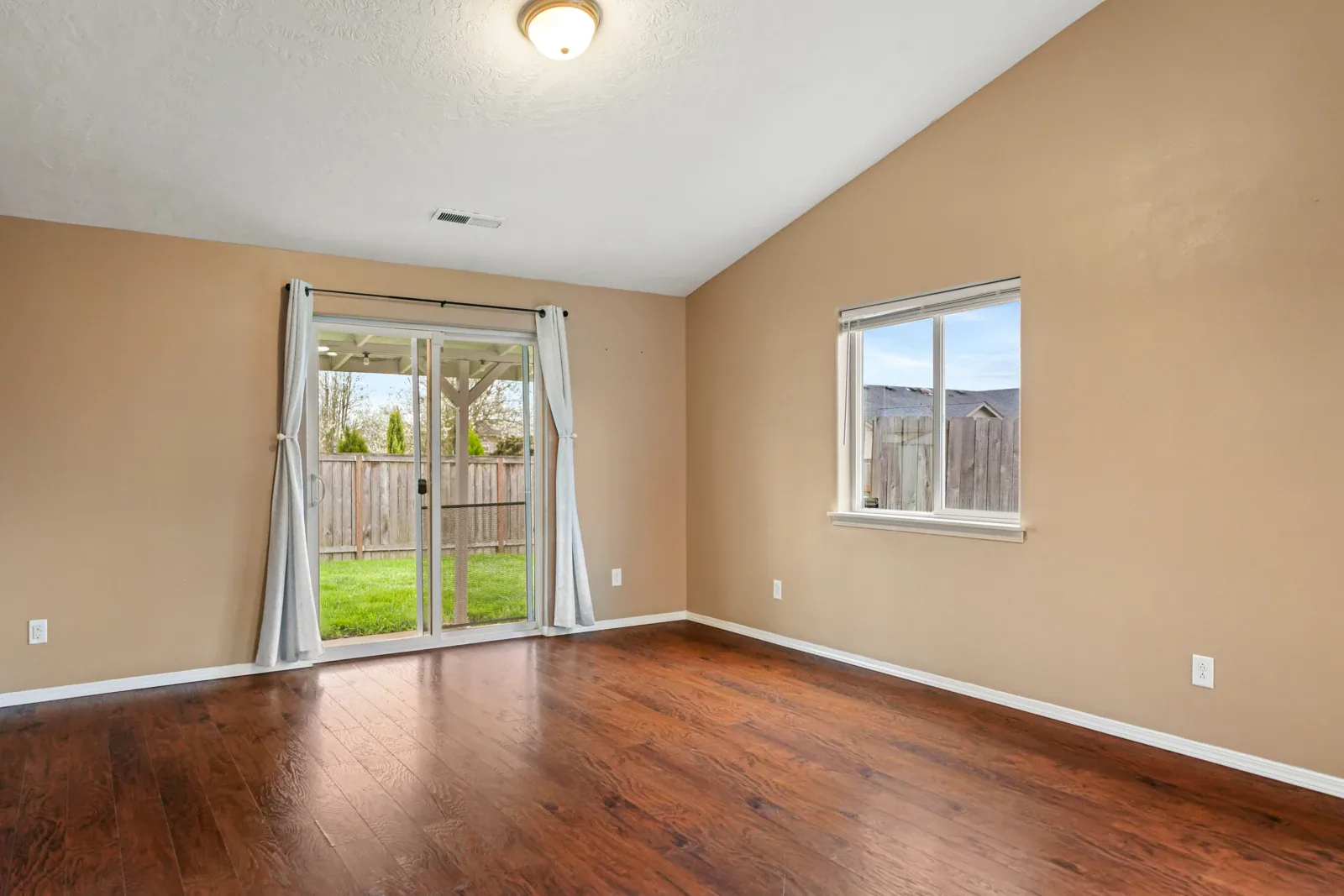
100% Before, empty room; 0% After, digitally furnished
Digitally furnished view. Open to compare with the original room.
AI and Premier virtual staging
AI offers a lower-cost way to picture furniture, room use and scale. Premier is useful when you want the same furnishings carried through several views of a room.
Select a column or feature to highlight it. Select again or press Escape to clear. Scroll sideways on smaller screens.
| Feature | ||
|---|---|---|
| AI-generated furnishings | Rendered by people | |
| Furnishings may differ between photographs | Furnishings stay consistent across different views of the same room | |
| A lower-cost visualization; the result can look artificial | A coordinated collection showing the room from several angles | |
| Ten digitally staged photographs | Three-, six- or ten-image residential choices |
Count each photograph you want to stage, including additional angles of the same room. Need a different quantity? Ask us which options are available for your order.
Premier virtual staging
Premier staging is rendered by people and keeps furnishings consistent across different views of the same room. It can help buyers follow the arrangement from one angle to another.
Choose three, six or ten residential images using the same Premier service. Count each photograph, including additional views of a room, when deciding how many you need.
3 images6 images10 images
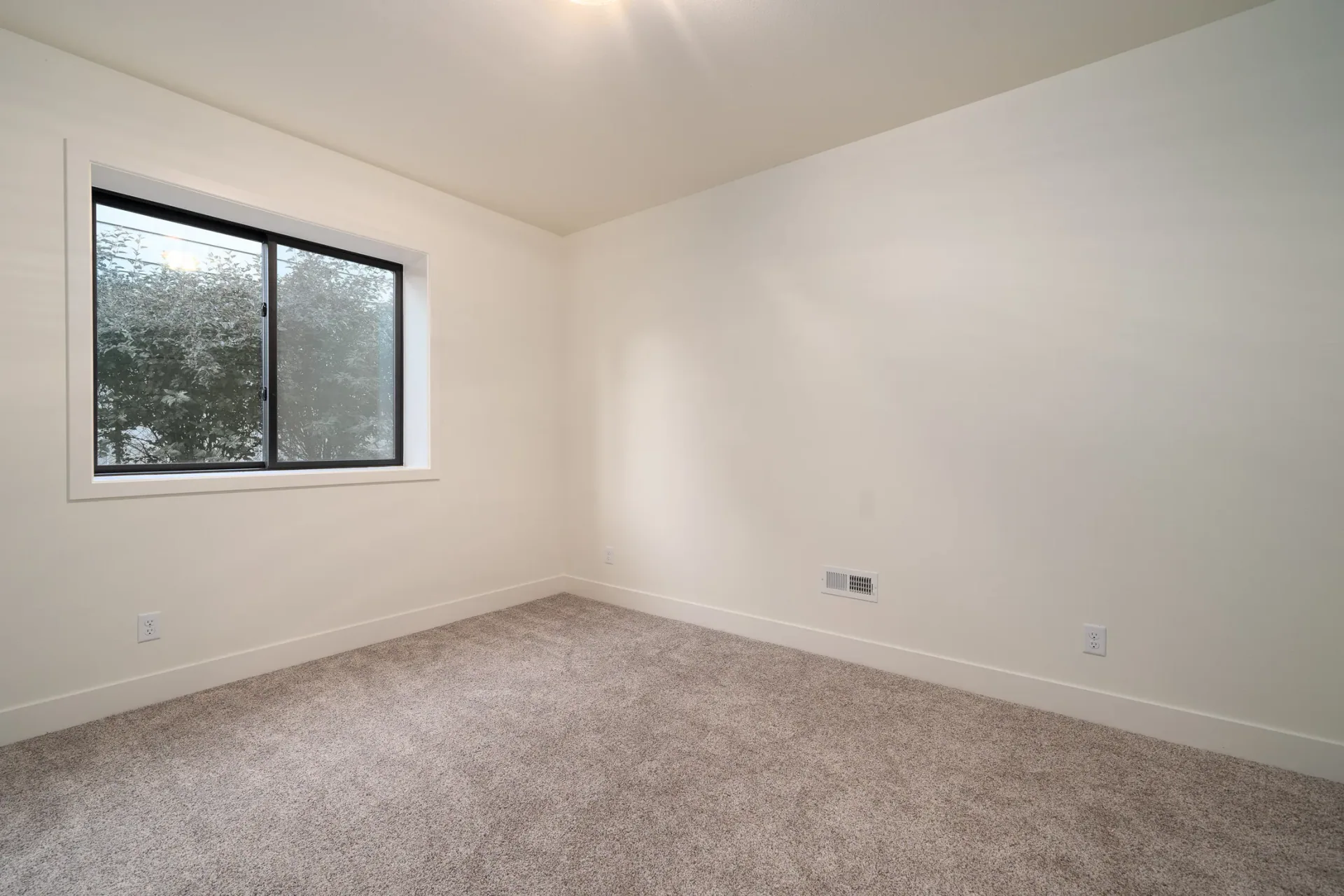
Views and quantities
Start with the rooms that would benefit from more context, then decide how important consistency is.
Residential visualization
See booking options
Residential consistency across views
See booking options
Questions about staging options, timing or price? Ask us before you book.
Choose with the space in mind
For a residential listing, choose the rooms and views you want buyers to understand. For a commercial space, tell us about its intended use and audience. We’ll discuss whether staging is suitable, the photographs and usage you need, and a custom quote.